


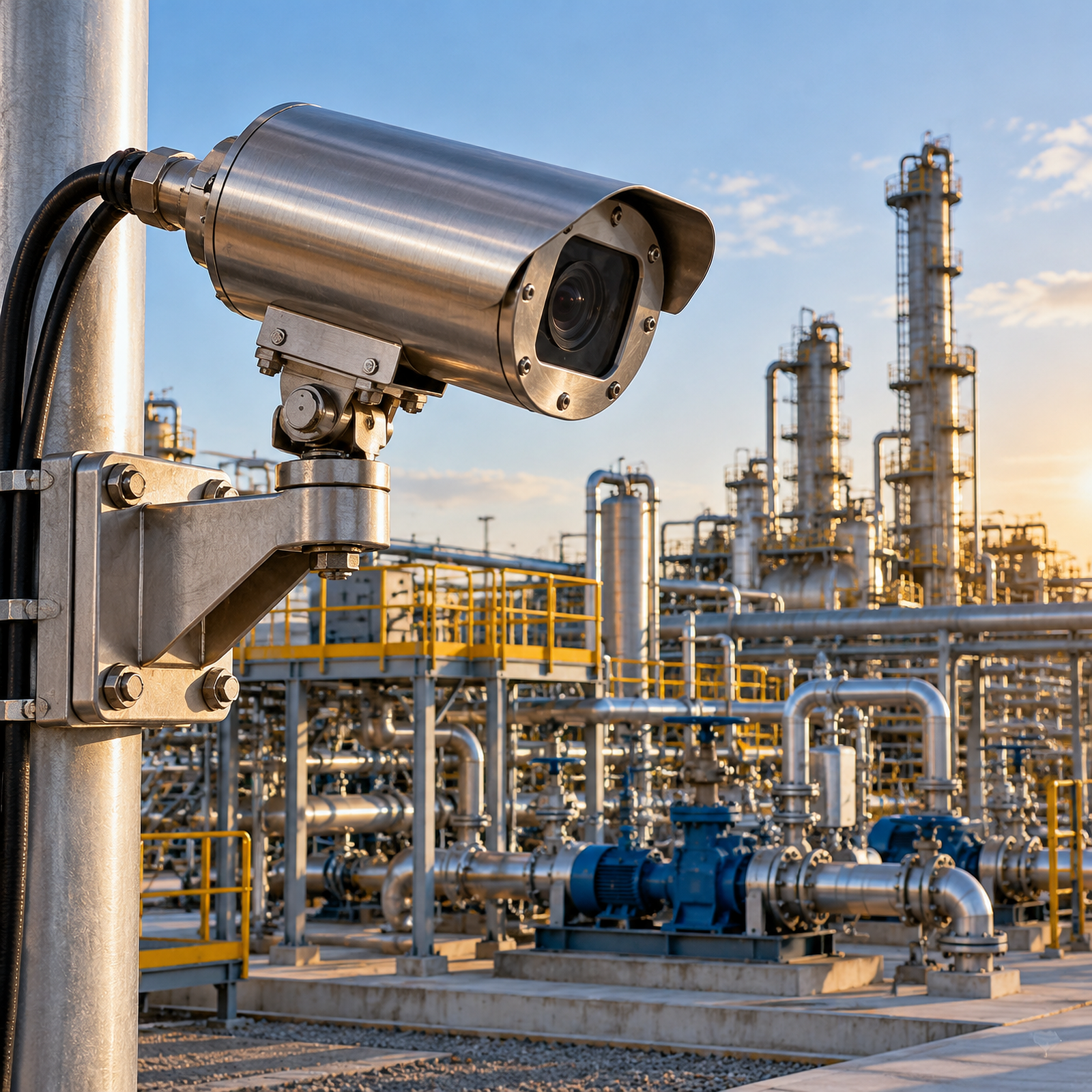
Outdoor hazardous-area monitoring is best served by a fixed explosion-proof bullet camera when the operator needs a stable, continuously framed view of a defined asset. Start by confirming the hazardous-area classification and the camera’s marked protection requirements, then select the lens, mounting position, power, network route, and inspection plan as one engineered system. SWGJ’s fixed camera range is intended for stationary monitoring and lists a 304 stainless-steel housing, optional IR or white-light illumination, IP68 protection, PoE or AC/DC power, and explosion-proof markings for the applicable model. The camera provides visual surveillance; it is not a gas detector or a replacement for a certified gas-monitoring system.
Why is a fixed explosion-proof bullet camera suitable for outdoor hazardous areas?
A fixed bullet camera keeps watching one important scene: a wellhead, valve bank, pump, compressor, loading point, access gate, or pipeline connection. That predictable view simplifies commissioning and makes video review consistent. It also lets the team choose a lens around the target distance instead of designing every view around a general-purpose wide shot.
SWGJ describes its fixed explosion-proof camera as an integrated design with optional IR or white-light illuminators. The fixed-lens specification lists 2MP, 1920 × 1080 video at 25 frames per second, 2.8 mm, 4 mm, 6 mm, and 8 mm fixed lenses, and an IR array with a maximum stated range of 50 m. Confirm the real distance, lighting, obstructions, and required detail before ordering.
The product information identifies 304 stainless steel as standard and says 316 stainless steel can be customized. SWGJ positions fixed cameras for wellheads, valves, mud pumps, pumps, compressors, and entry points. Material, cable system, and mounting hardware still need to match the site environment.
How should you survey the outdoor hazardous-area scene before deployment?
What should be confirmed about the hazardous zone?
Begin with the site’s approved hazardous-area drawings. Confirm whether the location is Zone 1 or Zone 2, the gas or dust group, temperature class, ambient temperature, and local installation rules. Do not choose a camera merely because a page says “explosion-proof.” The selected unit’s marking must match the project specification.
The fixed-camera page identifies the following protection information for its listed compact model: Ex db IIC T6 Gb / Ex tb IIIC T80°C Db and IP68 (2 m/2 h). Treat these as model-specific information, not a blanket claim for every SWGJ camera. Ask for the exact datasheet, nameplate, certificates, and approved installation conditions for the model and configuration being purchased.
Where should the camera look?
Map the asset and the likely failure points before selecting a bracket. A straight-on view of a pump seal or valve actuator can produce useful evidence, while a high oblique angle may hide leakage points behind pipework. Leave enough distance to keep the target within focus and avoid positioning the lens directly toward the rising or setting sun. For night scenes, check whether nearby lights, reflective metal, steam, dust, rain, or insects could reduce contrast or create IR flare.
Record the service route, maintenance access, lightning exposure, wind loading, vibration, and possible future changes. A fixed camera is repeatable, but a poor initial view remains poor until someone re-aims it.
How do you select the lens, illuminator, and camera position?
Use the narrowest fixed lens that still covers the required scene. The 2.8 mm option generally suits a wider nearby view, while 6 mm or 8 mm can make a more distant or tightly defined asset occupy more of the image. These are planning principles, not a substitute for a site test. Measure the target distance and desired horizontal coverage, then validate the pixel detail with a temporary camera or manufacturer calculation.
Choose IR for monochrome night viewing when the scene is compatible with reflected infrared light. Select white light only when visible illumination is acceptable and supported by the selected configuration. SWGJ lists integrated illuminator options and 0 Lux operation with IR, but 50 m is a maximum figure, not a guarantee of identification at every distance.
Mount the camera where the stainless-steel body is protected from direct impact, falling material, and avoidable chemical spray. Keep the lens clear of handrails, pipe flanges, and support steel. A slight downward angle usually reduces sky washout and rain glare. Use a manufacturer-approved bracket and verify that the wall, pole, or steelwork can carry the complete assembly under wind and vibration—not just the camera body.
How should you plan power, network, and cable entry?
Choose PoE or DC power after calculating cable length, voltage drop, network resilience, and hazardous-area interface requirements. The fixed-lens specification lists DC 12 V ±25% and PoE 802.3af, with maximum listed consumption of 7.5 W. Confirm the configuration and switch budget before installation. Document surge protection, grounding, fiber conversion, and any approved barrier or junction arrangement.
The listed camera uses a 10/100 self-adaptive RJ45 Ethernet port and supports ONVIF, RTSP, TCP/IP, and other published protocols. Place network equipment in the appropriate safe area or in equipment approved for the location. Assign a documented IP address, synchronize time through NTP where permitted, and restrict access with strong credentials, network segmentation, and role-based permissions.
Cable entry is part of the explosion-protection system. Use only glands, flexible conduits, junction boxes, and sealing methods approved for the camera, cable type, hazardous zone, and installation method. Do not drill the enclosure, substitute an ordinary gland, or leave unused openings unsealed. SWGJ provides explosion-proof accessories including a flexible tube, junction box, and camera bracket; the final combination should still be reviewed by the responsible hazardous-area installer.
What is the correct installation and commissioning sequence?
How can the team install without compromising protection?
- Confirm the work permit, isolation status, gas-test requirements, weather conditions, and approved drawings.
- Check the camera, nameplate, seals, fasteners, bracket, cable glands, and accessories for shipping damage and correct model markings.
- Install the bracket on a verified structural point, keeping the planned field of view and service clearance.
- Route and support the cable so vibration, sharp edges, water pooling, and excessive bend radius do not damage it.
- Make the hazardous-area cable entry according to the approved installation instructions. Keep flame paths, threaded surfaces, seals, and covers clean; never modify them in the field.
- Energize from the approved power source, connect the network, update the device configuration, and verify the time, stream, recording, and user permissions.
- Aim the camera from the safe work position. Confirm the day view, night view, IR reflections, focus, exposure, and the complete target area.
- Record the final orientation, IP address, firmware, lens, cable route, test results, and photographs in the handover file.
Commissioning should test the camera as an operational control-room tool, not just as a powered device. Confirm that video reaches the recorder or VMS, the correct stream is retained at the required frame rate, and a loss-of-video alarm is visible to operators. Test motion or exception events only if they are part of the approved video design. Never describe a video alarm as gas detection: the camera observes images, whereas gas concentration requires a separate certified detector and safety system.
How does a fixed bullet compare with a fixed dome or PTZ camera?
The best form factor depends on scene geometry, tamper exposure, and how often operators need to change the view. A bullet is often straightforward to aim at one asset. A dome can be less conspicuous and useful where a compact, impact-resistant profile is preferred. A PTZ covers a much larger area and can zoom, but a moving view may not continuously record every critical asset at once.
| Consideration | Fixed explosion-proof bullet | Fixed explosion-proof dome | Explosion-proof PTZ |
|---|---|---|---|
| Primary strength | Stable, directed view of one asset | Compact profile and broad fixed view | Remote coverage of large areas and changing targets |
| Best-fit examples | Wellheads, valves, pumps, compressors, gates | Tight corridors, cabins, skids, low-clearance locations | Tank farms, drilling floors, large production units |
| Optics | Fixed lens choices can be matched to distance | Fixed wide-angle options on the listed dome | Motorized zoom and remote pan/tilt on applicable models |
| Night viewing | Fixed-lens model lists integrated IR up to 50 m | Listed mini dome includes IR up to 30 m | Integrated IR and long-range optical zoom on applicable model |
| Maintenance issue | Keep lens and illuminator clear; verify aim | Protect the dome window from impact and contamination | Check presets, movement, tracking, and wider mechanical system |
| Main limitation | Does not pan to another scene | Less suited to long, narrow sightlines | A preset or patrol can leave another area unobserved |
For a compact, enclosed location, SWGJ’s explosion-proof fixed dome may be more appropriate. For broad tank-farm or drilling-floor coverage, review the explosion-proof infrared PTZ. Use the fixed bullet camera range when the operational requirement is a dependable, stationary view rather than remote scanning.
What maintenance plan keeps outdoor surveillance dependable?
Set inspection intervals from the site risk assessment, manufacturer instructions, weather exposure, and operating experience. During routine rounds, inspect the lens window, IR cover, housing, bracket, cable entry, and corrosion points without opening protected parts in an unapproved condition. Remove salt, dust, oil mist, and deposits with an approved method; abrasive tools can damage optical surfaces and protective finishes.
At a planned safe interval, compare the current view with the commissioning image. Check that the target has not moved out of frame because of vibration, pole movement, or accidental contact. Review focus, night contrast, glare, timestamp, storage continuity, network latency, and loss-of-video alarms. Confirm that the camera remains within its stated operating conditions; the fixed-lens model lists -30°C to 60°C and humidity below 95% non-condensing.
Keep records of cleaning, firmware changes, alarm tests, corrosion findings, cable work, and certificate checks. Any opening, seal replacement, or repair in a hazardous area should be performed under the site’s approved procedure by qualified personnel. If the environment changes—new chemicals, higher vibration, revised zone boundary, or a new process layout—revalidate the camera selection instead of assuming the original installation remains suitable.
What should you verify before handover?
A useful handover package includes the approved hazardous-area classification, exact model and nameplate data, applicable certificates, material and protection information, lens and illuminator selection, bracket and cable-entry details, power and network test results, final field of view, maintenance schedule, and operator instructions. Confirm that the video system is integrated with the site’s alarm and recording workflow, while clearly separating visual surveillance from gas, fire, pressure, and process instrumentation.
For oil and gas applications, compare the design with SWGJ’s Oil & Gas Exploration solution page and Petrochemical Industry solution page. Those pages describe fixed cameras for wellheads, valves, mud pumps, pumps, compressors, and entry points, while also identifying Zone 1/Zone 2 use, ATEX-certified solutions, stainless-steel options, and IP68 protection at the solution level. Confirm every final claim against the exact product documentation supplied for the project.
What are the most common questions about fixed explosion-proof bullet camera deployment?
Can a fixed explosion-proof bullet camera detect gas?
No. It supplies video surveillance and may support visual or video analytics. It does not measure gas concentration and must not replace a certified gas detector, fire system, or process safety instrument.
Is every SWGJ bullet camera rated for the same hazardous area?
No. Check the exact model’s nameplate, marking, certificate, temperature class, gas or dust group, and installation conditions. Do not transfer one model’s IP or Ex information to another model without documentation.
Which lens should I choose for outdoor surveillance?
Choose after measuring target distance and required coverage. SWGJ’s listed fixed-lens model offers 2.8 mm, 4 mm, 6 mm, and 8 mm options; validate the view and identification detail on site.
Is IP68 the same as explosion-proof certification?
No. IP68 addresses dust and water ingress under the stated test conditions. Explosion-proof markings address protection in a hazardous atmosphere. Both must be appropriate, but they are not interchangeable.
Can the camera use PoE outdoors?
The listed fixed-lens model supports PoE 802.3af as well as DC 12 V input. Confirm the selected configuration, cable distance, switch budget, surge protection, and approved hazardous-area interface before energizing it.
How far can the built-in IR illuminator see?
The fixed-lens specification lists a maximum IR range of 50 m. Actual usable detail depends on lens selection, target reflectivity, weather, contamination, angle, and scene lighting.
When should I choose a PTZ instead?
Choose a PTZ when operators must inspect multiple distant areas or cover a large site from a safe control room. Choose a fixed bullet when continuous, predictable observation of one critical asset is more important than changing the view.